Find cameras over Wi-Fi or Bluetooth
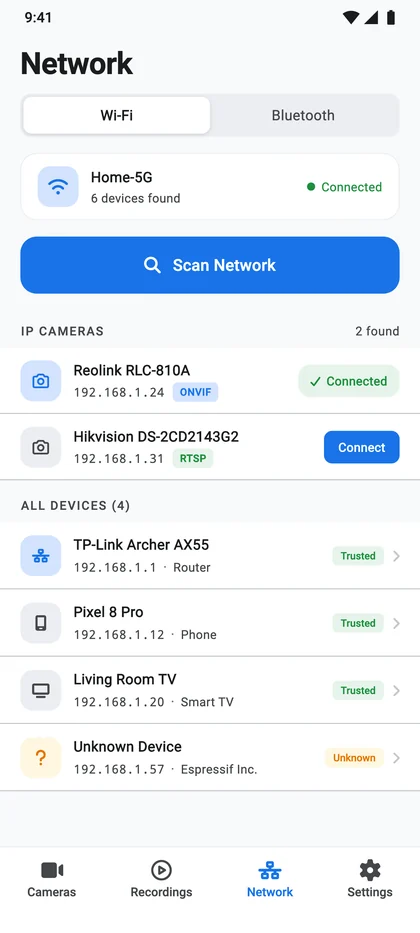
Scan your home network and nearby Bluetooth devices in seconds. CamGuru points out the cameras, so connecting one takes just a few taps.
CamGuru finds the IP cameras on your Wi-Fi, connects them in a few taps and brings every live view into one clean app. No extra hardware, no mandatory vendor cloud.
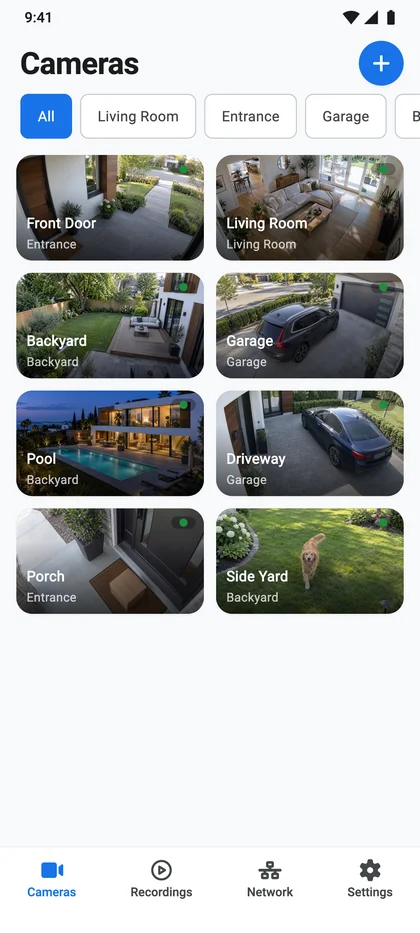
Find your cameras, watch them live and keep the moments that matter, all in one Android app.
Scan your home network and nearby Bluetooth devices in seconds. CamGuru points out the cameras, so connecting one takes just a few taps.
Open any camera in one tap and watch its HD main stream. If your connection dips, auto quality switches to a lighter stream so the picture keeps moving.

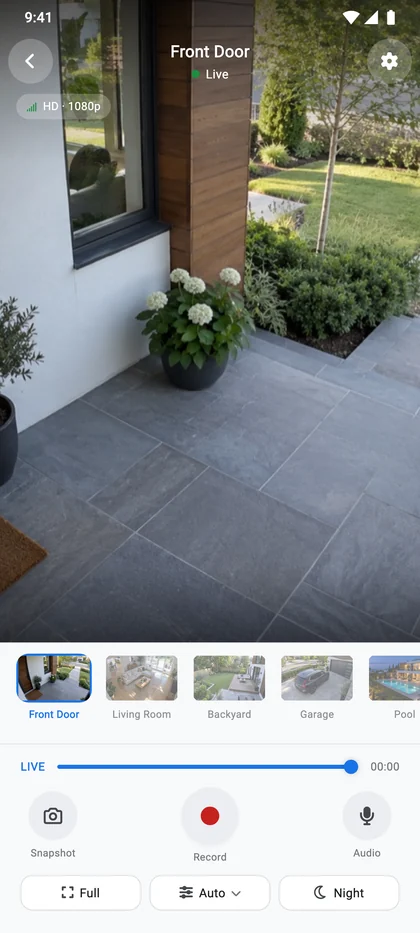
Record any live view or grab a snapshot straight to your phone. Every clip waits in your Recordings library, sorted by camera and date.
 REC00:48
 01:12
 02:05
 00:36
 03:18
 01:24
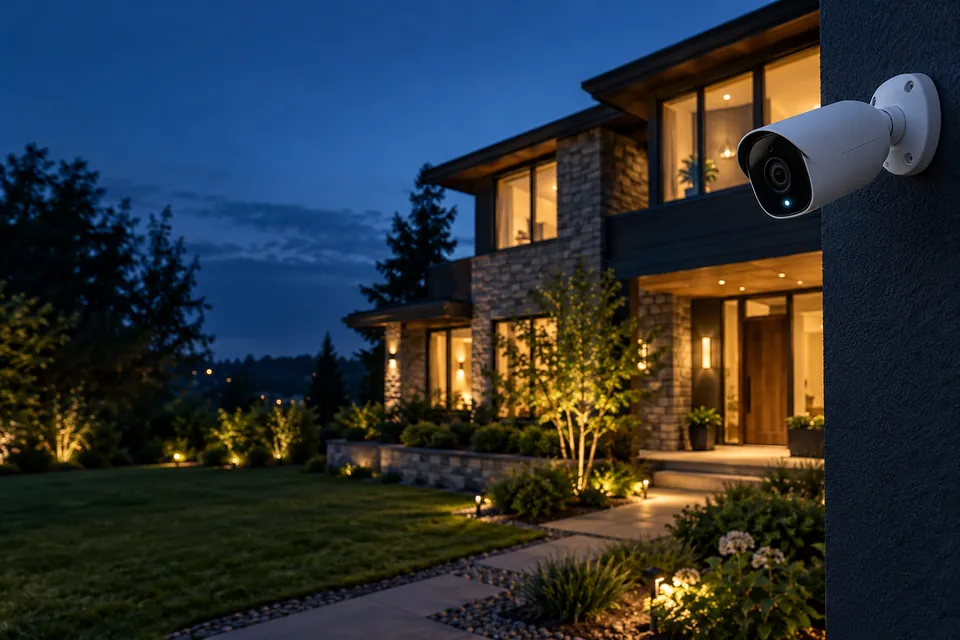
We're building smart detection into CamGuru. It will tell people, vehicles, pets and packages apart, so you hear about what matters and skip the false alarms.
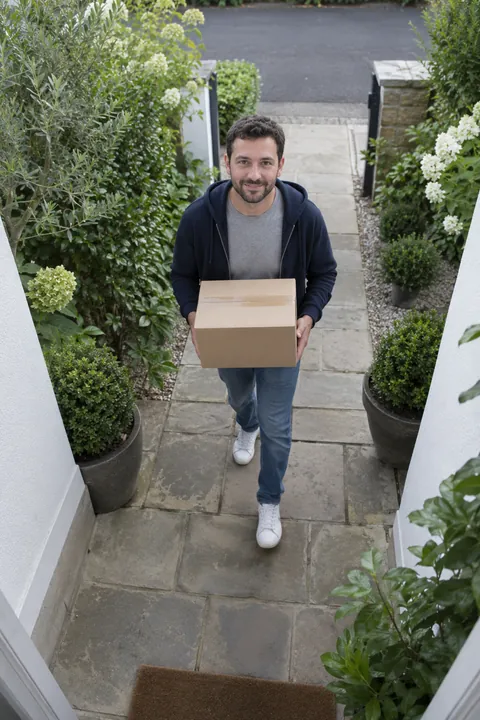 Person
 Vehicle Pet Package
No extra hardware. Just your Android phone and a compatible IP camera.
CamGuru lists every device on your network and highlights the ones that look like IP cameras.
Pick the brand and model or enter the IP address. A quick check makes sure the video works before you save.
Open the live view, take snapshots and record clips straight to your phone.
LIVEYour phone and cameras need to be on the same Wi-Fi network.
CamGuru talks to your cameras directly over your home network. There's no mandatory vendor cloud between you and your video.
Can't find what you need? Write to support@camguru.app
Any IP camera that streams over ONVIF, RTSP or MJPEG. The app includes a catalog of 3,800+ brands and 62,000+ models with their stream settings, and you can always enter an IP address or RTSP URL yourself. Cameras that only work through their manufacturer's cloud app aren't supported.
Yes. CamGuru finds and streams your cameras over your local network, so your phone and cameras need to be connected to the same Wi-Fi.
Yes. Record any live view straight to your phone, then browse, filter and delete clips in the Recordings library. Recording stops safely when your storage is almost full.
CamGuru is free to download. Some features require CamGuru Pro, and new subscribers can start with a 3-day free trial. You can cancel anytime in Google Play under Payments & subscriptions.
Not yet. CamGuru is available for Android phones on Google Play.
Camera passwords are encrypted and stored with Android Keystore on your phone. Network scan results stay on your device, and an account is optional.
Download CamGuru and connect your first camera in minutes.